The text appears while you are still talking.
Engines
ai-Memo ships with Whisper and also works with Apple's speech recognition. You pick one in Settings and can change it whenever you like.
OpenAI's Whisper model, running on your device through whisper.cpp with Metal GPU acceleration. It detects the language by itself and never needs a connection. Use it for interviews, meetings and technical talk.
Apple's own speech recognition. It starts quickly and suits short notes. iOS runs it on the device for the languages it supports there. For the others, Apple processes the audio on its servers.
Features
Tap record and talk. There is no account to create and nothing to set up.
You see the waveform and the transcript while you speak. Meeting-length recordings keep up as well.
Copy the text with one tap, or send it to another app from the recording screen.
Let Whisper detect the language, or pin one for short clips. It can translate into English, and a custom vocabulary teaches it names, jargon and acronyms.
The Whisper models ship inside the app, so Whisper transcribes without an internet connection.
Screenshots
A dark screen with a record button, the waveform and your transcript. It works in landscape on iPhone and iPad.
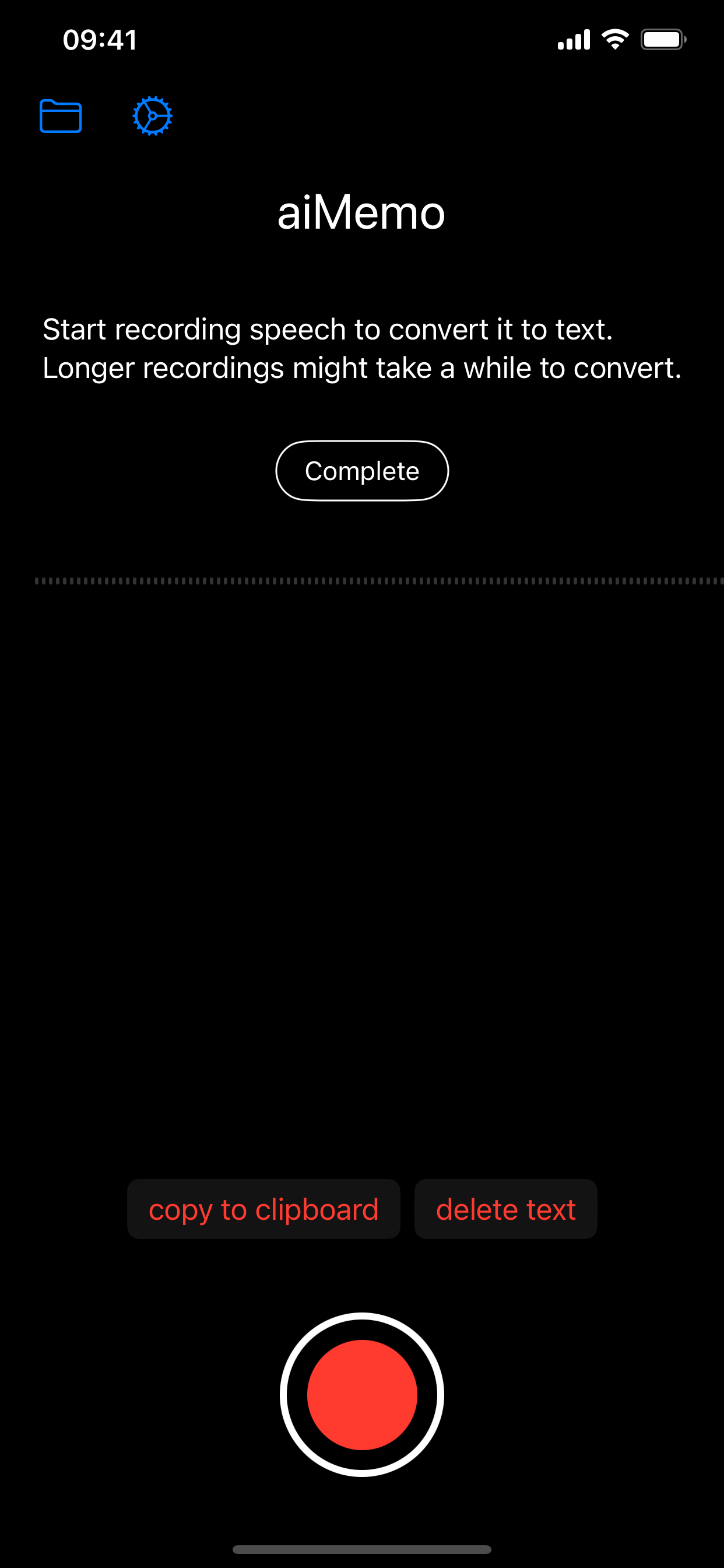
Recording
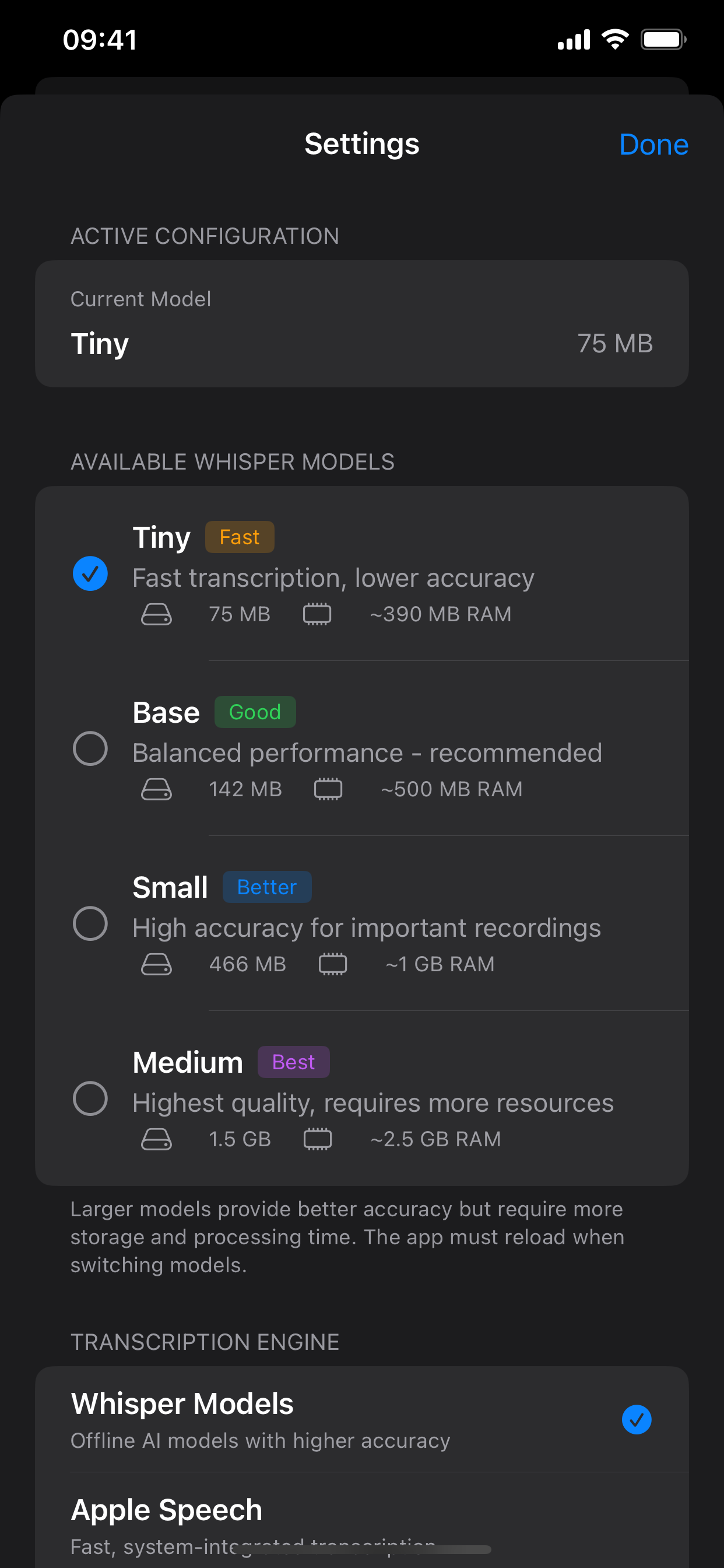
Settings
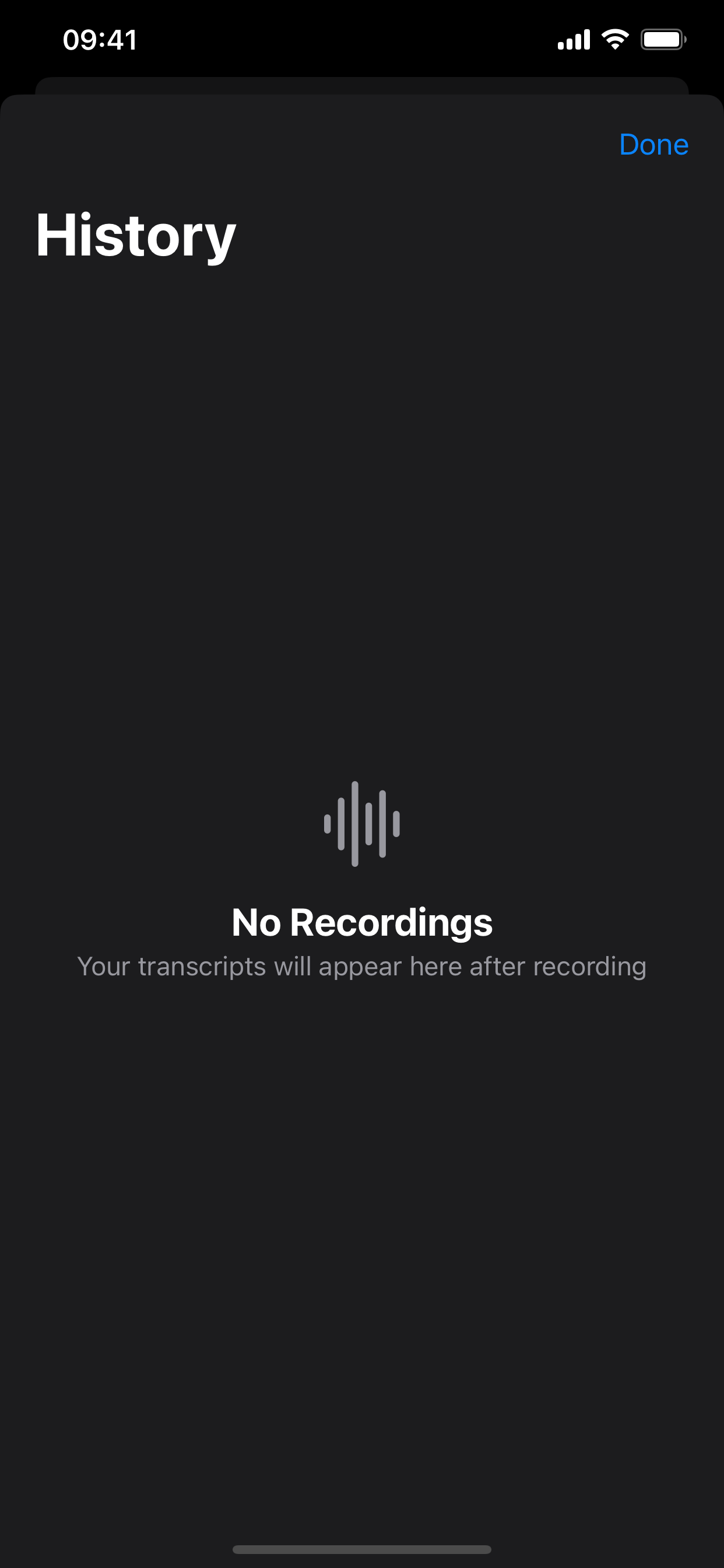
History (Pro)
Two versions
Both transcribe the same way and neither shows ads. Pro adds a recording history and a choice of Whisper models.

Free
One-time purchase, no subscription
With Whisper, audio and text never leave your iPhone or iPad. Apple Speech also runs on the device where iOS supports your language. The app has no account, no ads and no analytics, and it collects no data. The privacy policy has the details.